
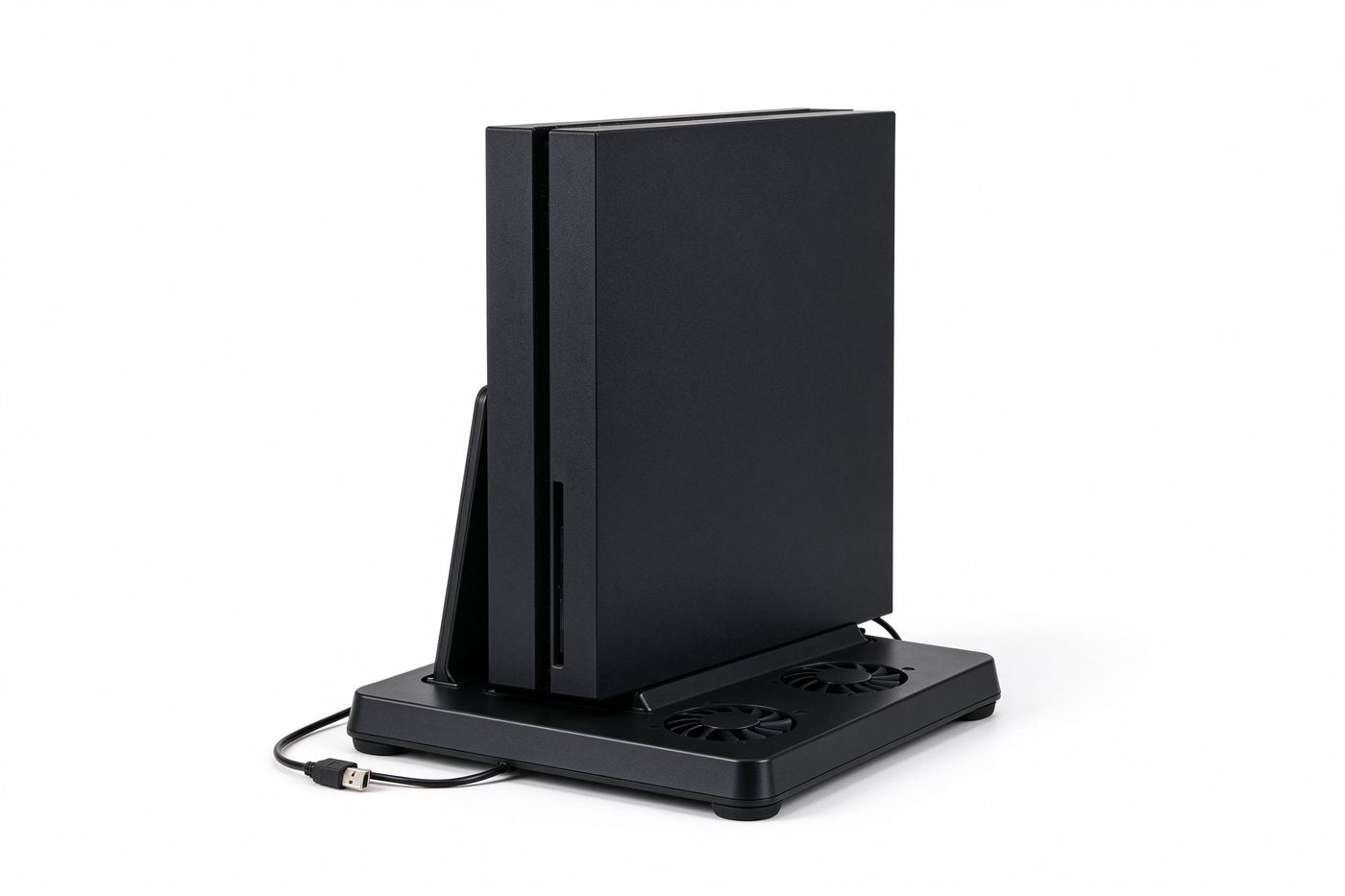
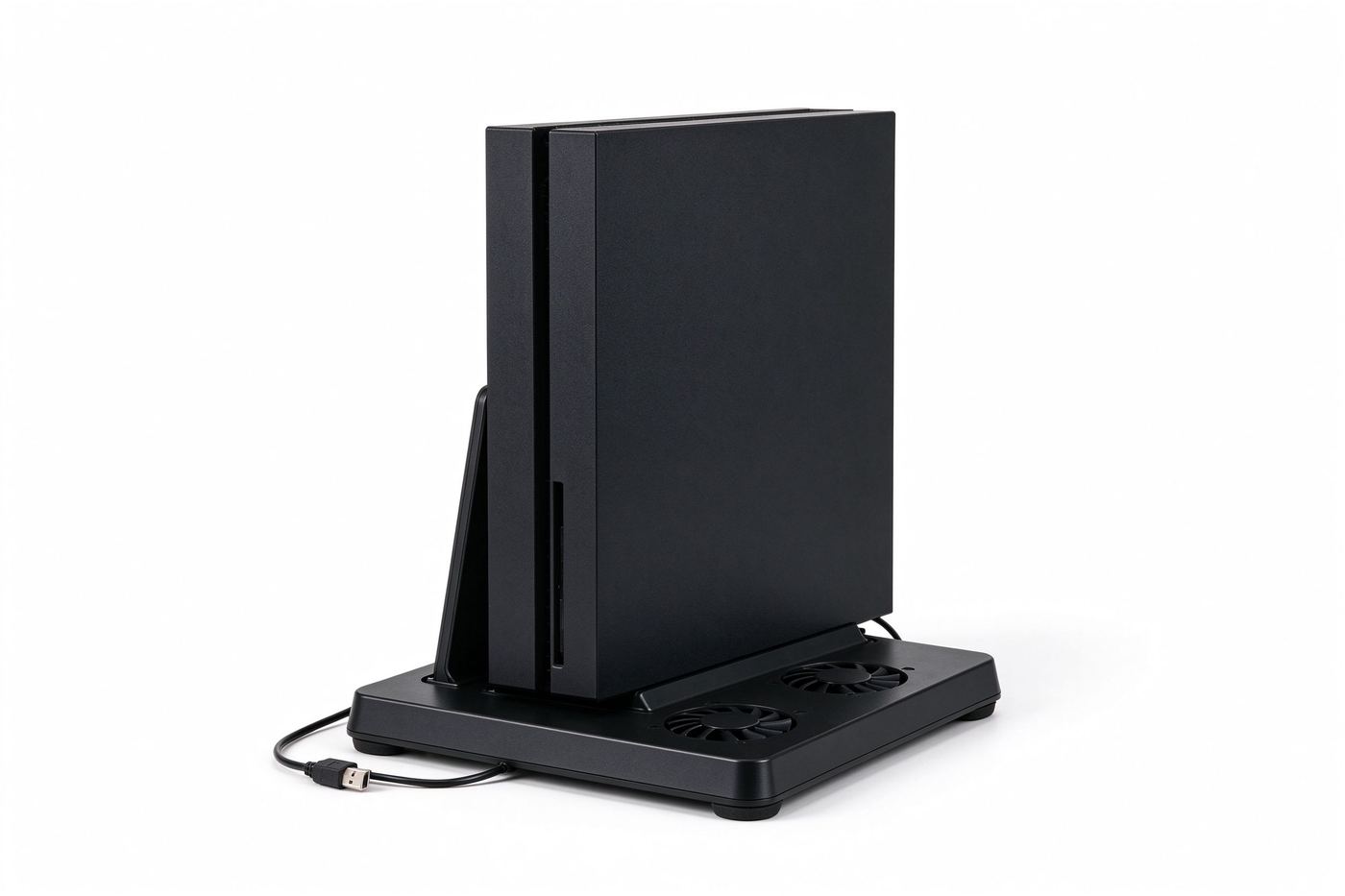
Long sessions trap heat around the vents
Stacking or enclosing a console blocks airflow, so warm air builds up and the unit can slow down or shut down to protect itself. A raised fan stand moves that air away while you play.
- ▪ Blocked vents. A console pushed into a tight shelf traps hot air.
- ▪ Throttling. Heat buildup can lower performance during long games.
- ▪ Unstable stand. A loose unit can tip or slide on a smooth desk.
- ▪ Cable mess. A loose setup leaves cords pulling on the console.
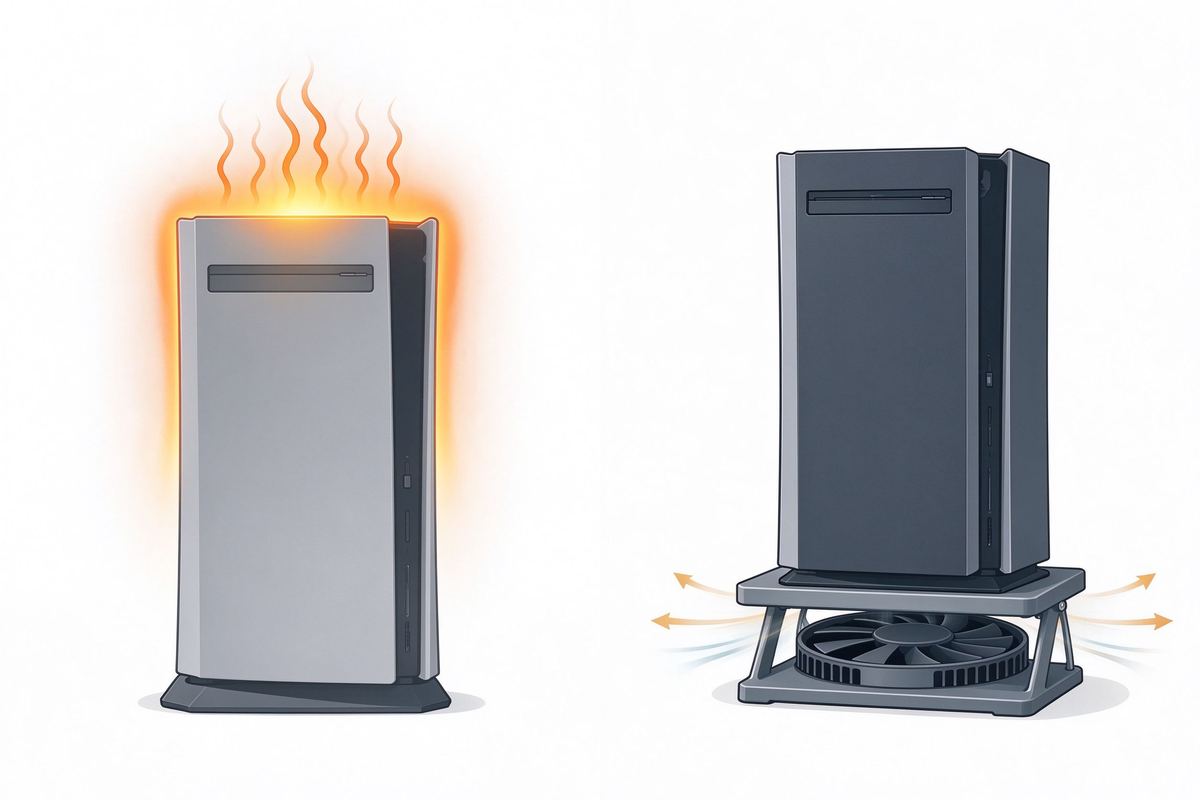
Lifts the console and moves warm air out
The stand holds the console upright, built-in fans draw air across the bottom vents, and the USB cable powers them from the console or a wall adapter.
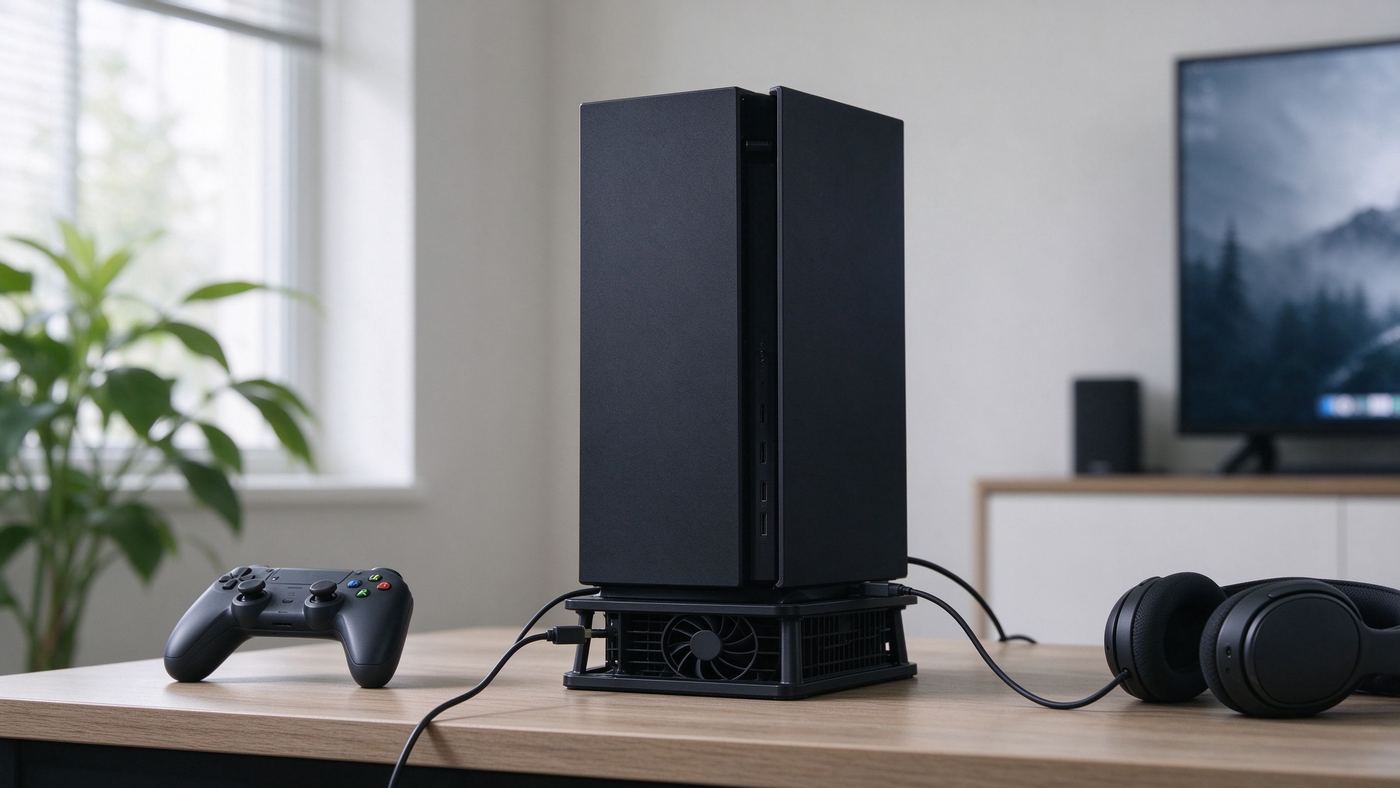
Fans pull warm air away from the bottom vents during play.
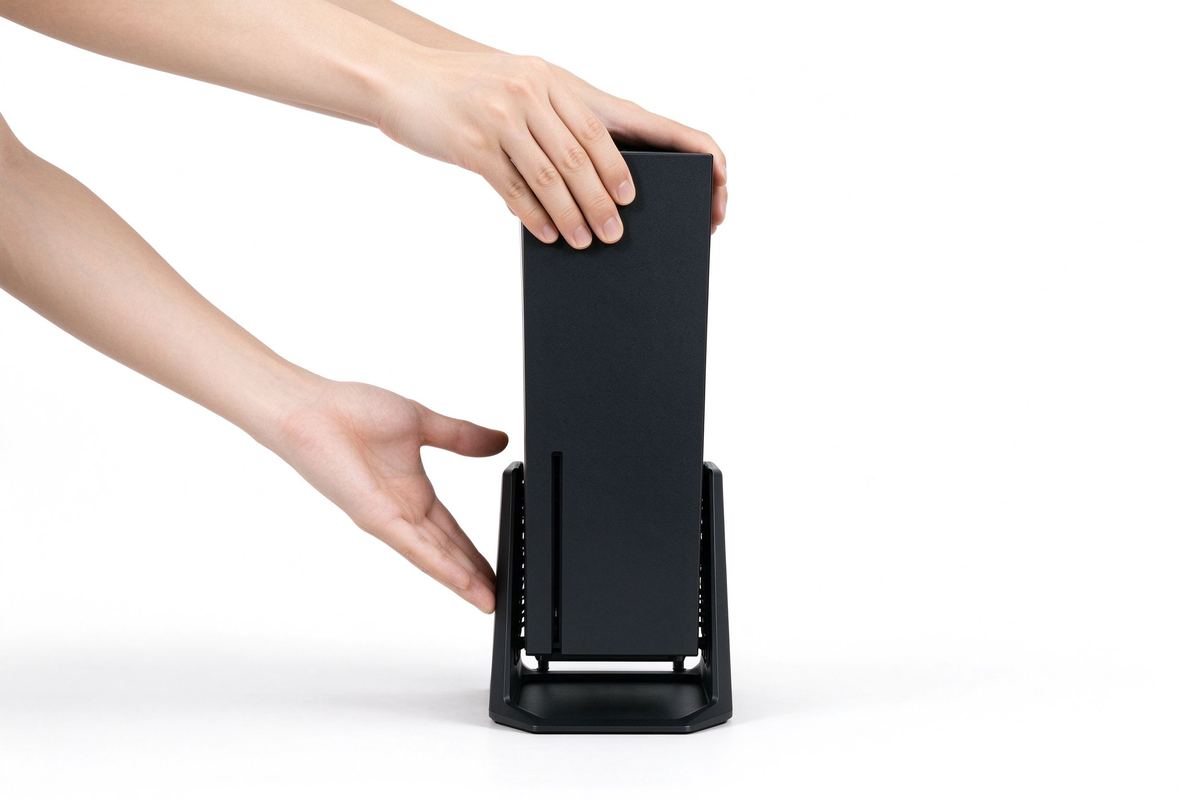
Holds the console vertical to open airflow on all sides.
Runs from a USB port; no separate power brick needed.
Rubber feet keep the stand steady on a smooth desk.
Matte plastic base with fan grilles
A rigid matte-plastic base houses the fans, protective grilles, rubber feet, and a rear support slot that keeps the console upright.
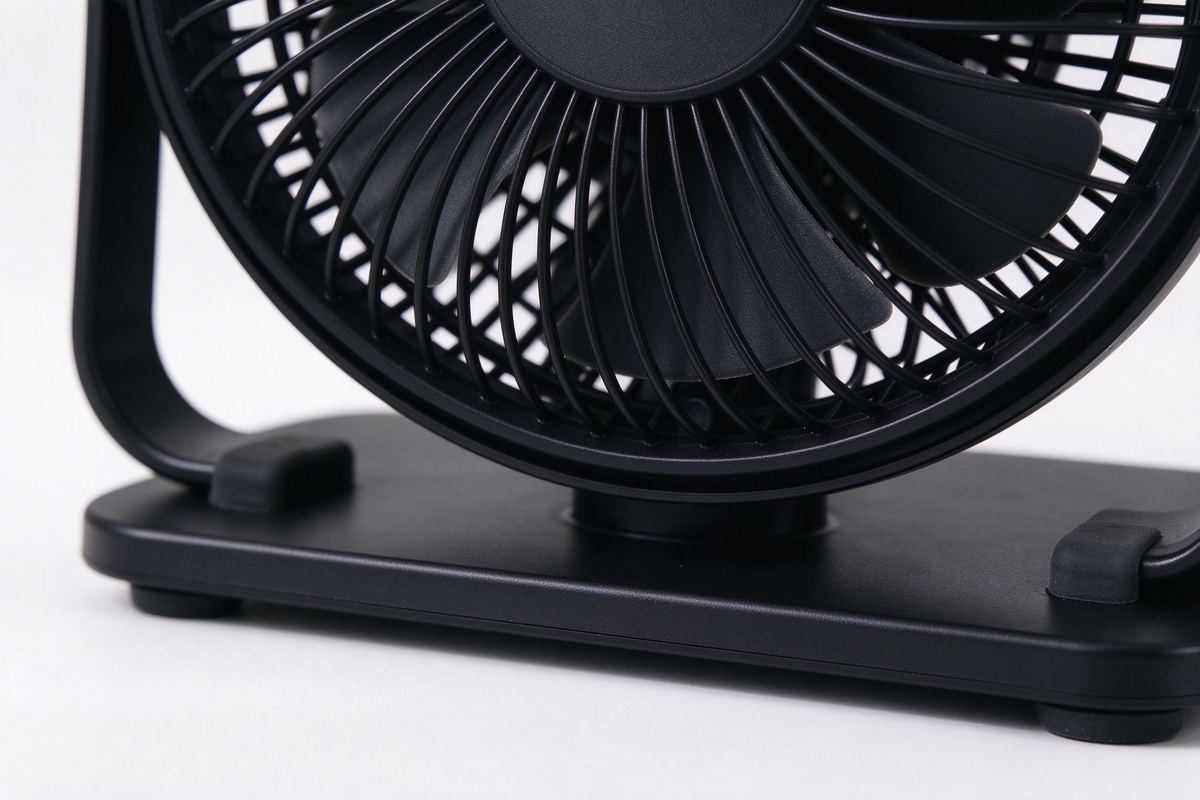
- ▪ Rigid base. Stays flat under the console without flexing.
- ▪ Fan grilles. Guard blades while letting air pass freely.
- ▪ Rubber feet. Grip the desk and reduce sliding.
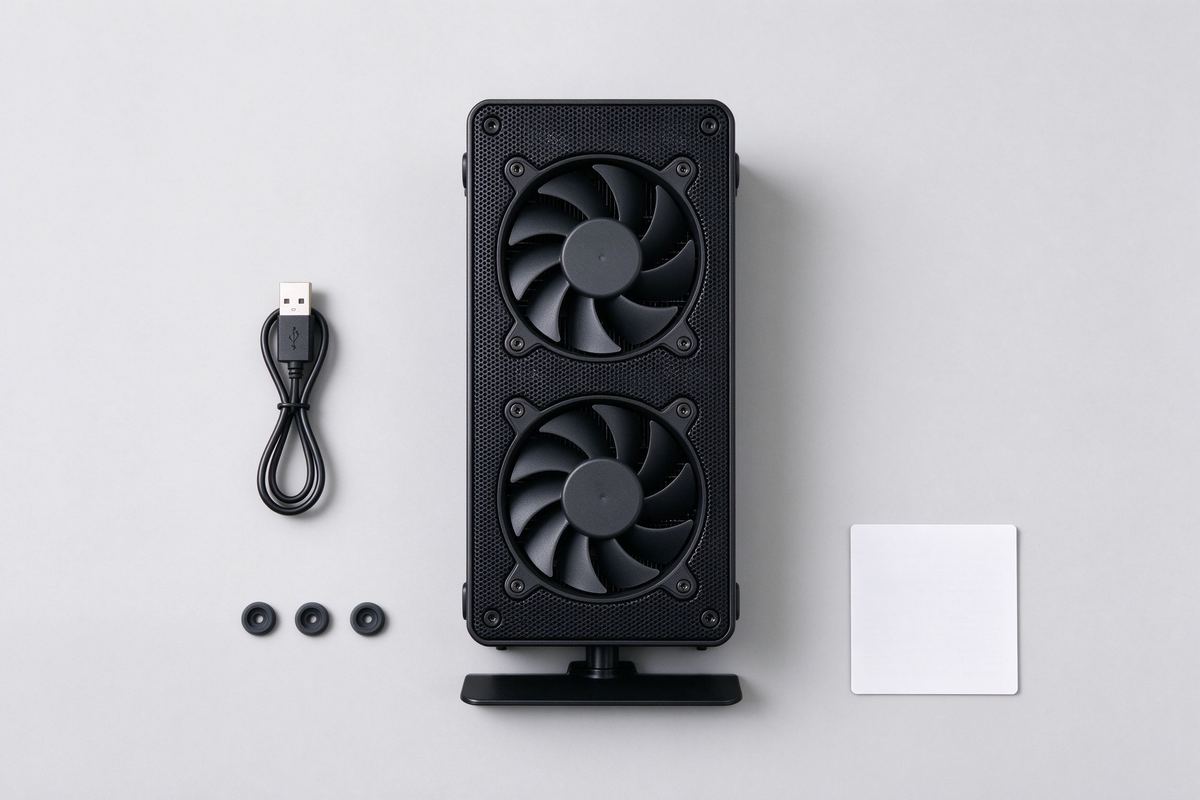
- ▪ USB lead. Attached cable reaches a nearby USB port.
Set, plug in, play
Simple setup gets airflow running in minutes.
Compare your console size and bottom vent layout before buying.
Place the console into the upright slot on the stand.
Connect the USB cable to a console or adapter port.
Leave space around the unit so air can move freely.
General specs, check your console
Typical values for a generic compatible cooling stand; verify size and vent position before ordering.
| Specification | Value |
|---|---|
| Product | Vertical USB Console Cooling Stand |
| Power | USB powered from a console or adapter |
| Fans | Built-in cooling fans, bottom intake |
| Mount | Upright vertical slot |
| Base | Matte plastic with non-slip rubber feet |
| Fit | Generic; verify console size and vents |
| Warranty | 30-day replacement on defects |
Note: This is a generic compatible cooling stand, not a branded original. Confirm your console size, bottom vent layout, and USB port before ordering; the console itself is not included.
Stand versus bare placement
Same console, two placements. Here is how they line up.
| At a glance | This product | Bare desk placement |
|---|---|---|
| Air flow | Fans move warm air away | Still, trapped under the unit |
| Stability | Upright slot holds it steady | Can slide on a smooth desk |
| Setup | USB plug and play | No cooling at all |
No surprises in the pack
You receive the stand and cable; the console is not included.
| Specification | Value |
|---|---|
| Product | Cooling Stand |
| Includes | Stand, USB cable, spare pads |
| Power | USB |
| Mount | Vertical upright slot |
| Fit | Generic console |
| Warranty | 30-day defect replacement |
A USB fan stand to lift and cool a game console during long sessions.
Verify console size and vents first; the console is sold separately.
Keep fans clear and steady
Simple care keeps the stand working well.
- ▪ Clear the vents. Do not block fan grilles or side openings.
- ▪ Dust the fans. Wipe buildup off grilles every few weeks.
- ▪ Stable surface. Set the stand on a flat, level desk.
- ▪ Route cables. Keep the USB lead from pulling on the console.
It is a generic upright stand; compare your console width, height, and bottom vent position before ordering rather than relying on brand fit.
No. You receive the cooling stand and cable; the game console is sold separately.
It runs from a USB port on the console or a USB wall adapter; no separate power brick.
It adds external airflow around the vents; keep the console in a ventilated spot and do not enclose it.
It is designed for upright vertical mounting; horizontal placement blocks the intake and should be avoided.


Reviews
There are no reviews yet.