
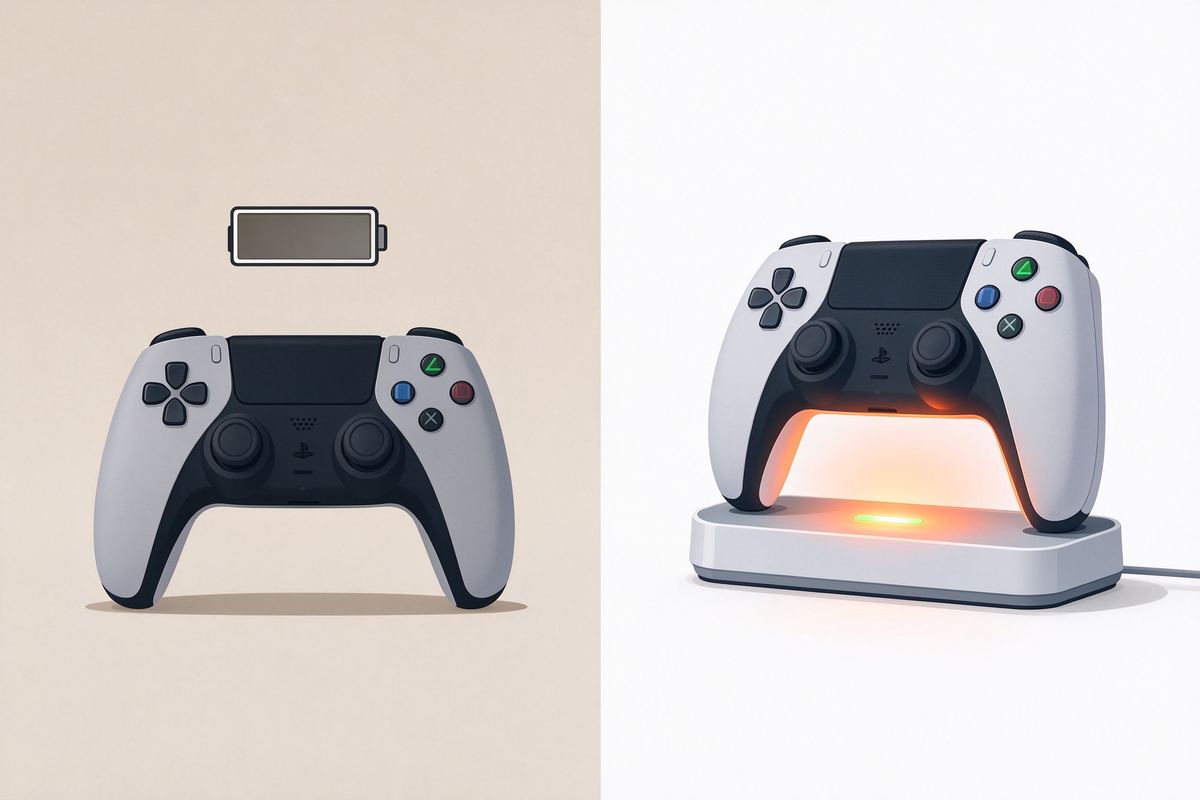
Dead batteries mid-game break the session
Fumbling for fresh AA batteries when the controller dies means pausing, hunting for spares, and tossing used cells in the trash. A dock keeps both controllers topped up so you sit down and play.
- ▪ Dead controller at the worst moment.
- ▪ A battery dies mid-match, forcing a pause while you swap cells or scramble for a spare.
- ▪ Constant AA expense.
- ▪ Disposable alkaline packs cost money and pile up as household waste over months of play.
- ▪ Controllers left scattered.
- ▪ Without a dock, controllers rest on the couch, floor, or shelf where they get lost or knocked off.
- ▪ No charge state at a glance.
- ▪ You never know how much power is left until the controller shuts down in the middle of a round.
Slot, charge, and keep both controllers ready
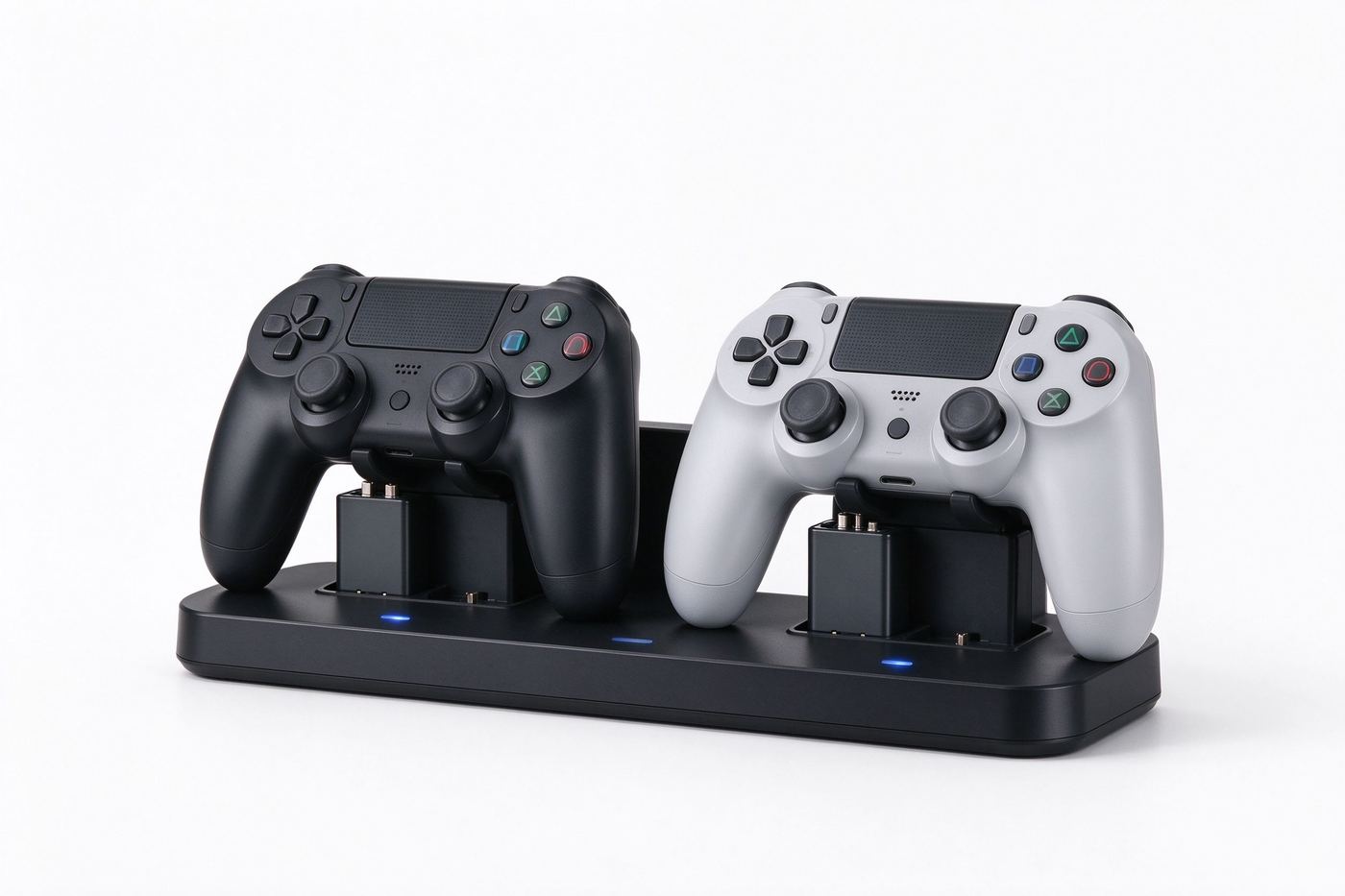
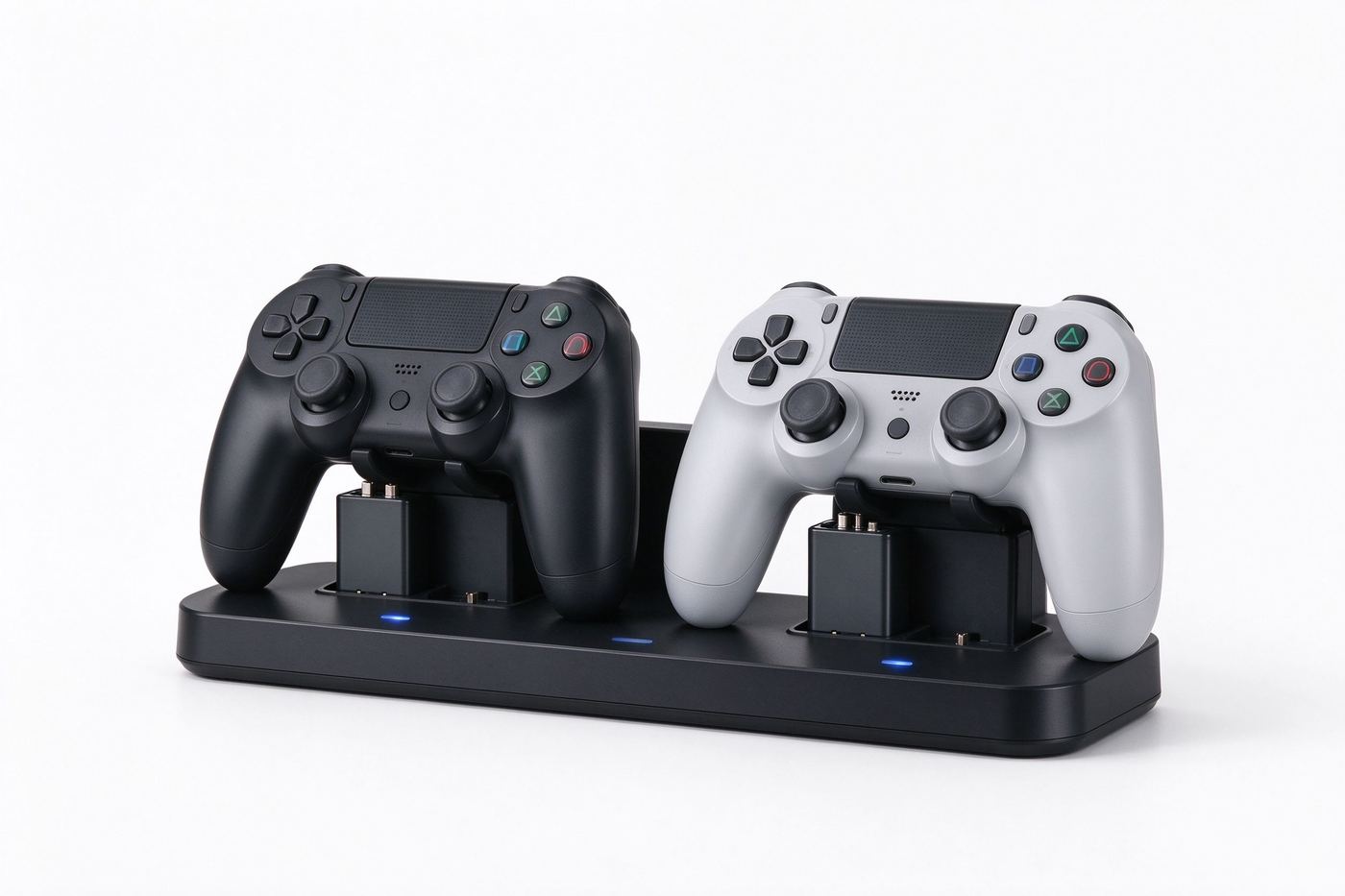
This dual dock holds two wireless controllers side by side and recharges the two included battery packs as they sit. An LED confirms charging state, and USB power means it runs from your console, TV port, or wall adapter.
Two slots charge both controllers in parallel so neither waits for the other.
Swap the included packs in place of disposable cells and reuse them thousands of times.
A small light shows charging and full charge state so you know what is ready.
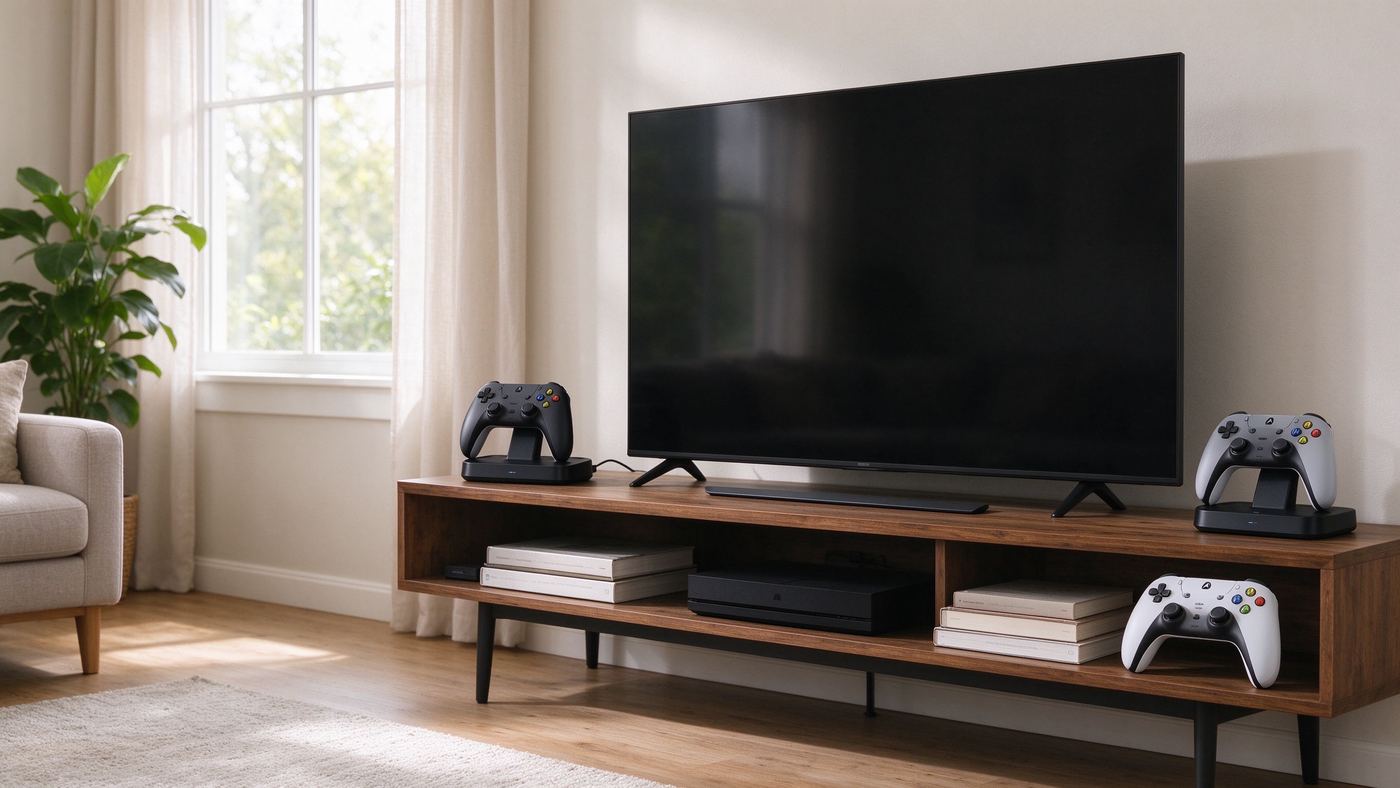
Runs from a console USB port, TV USB, or a common 5V wall adapter; no bulky power brick.
Sturdy base with plated charge contacts
The dock is made of matte ABS plastic with a non-slip base, and the charging contacts are gold-plated to resist corrosion and keep a clean connection over repeated use.
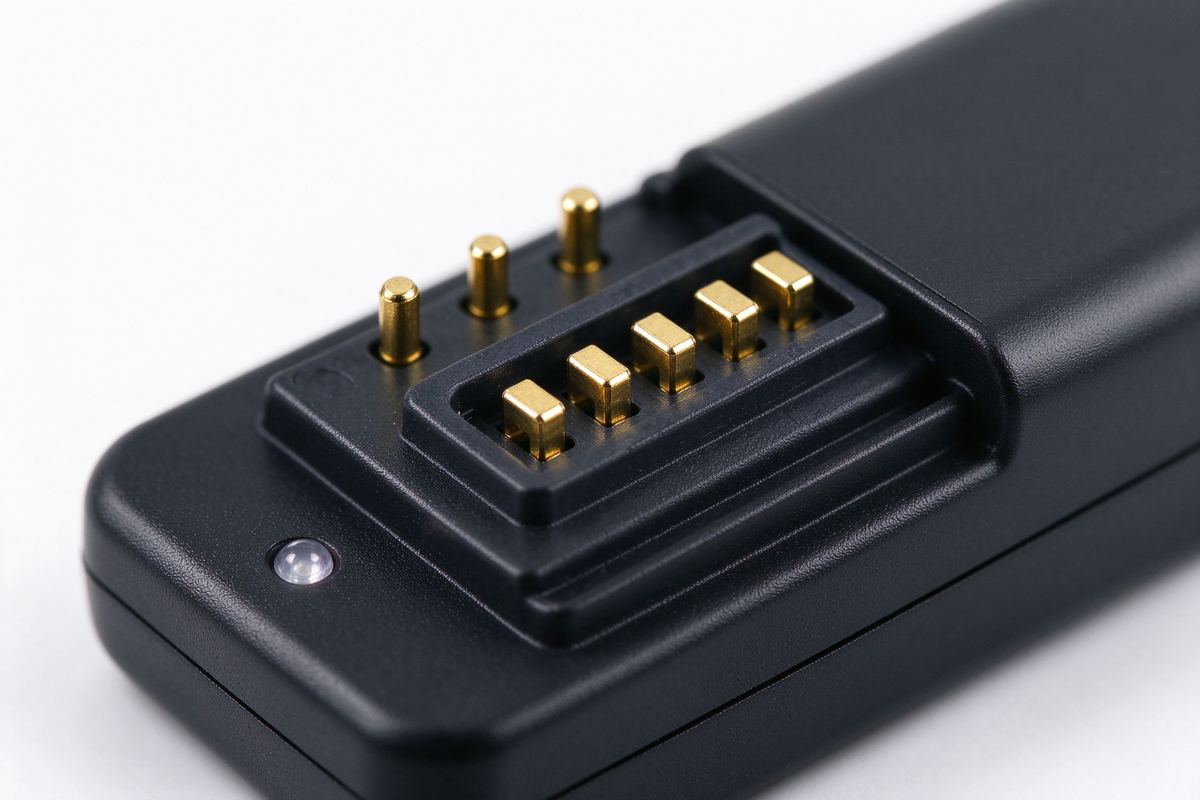
- ▪ Matte ABS housing.
- ▪ Light yet rigid, it resists scratches and fingerprints on the daily shelf.
- ▪ Gold-plated contacts.
- ▪ Plated pins resist tarnish and maintain a reliable charge connection.
- ▪ Non-slip base.
- ▪ Rubber feet keep the dock steady when you set a controller down.
- ▪ Snug controller slots.
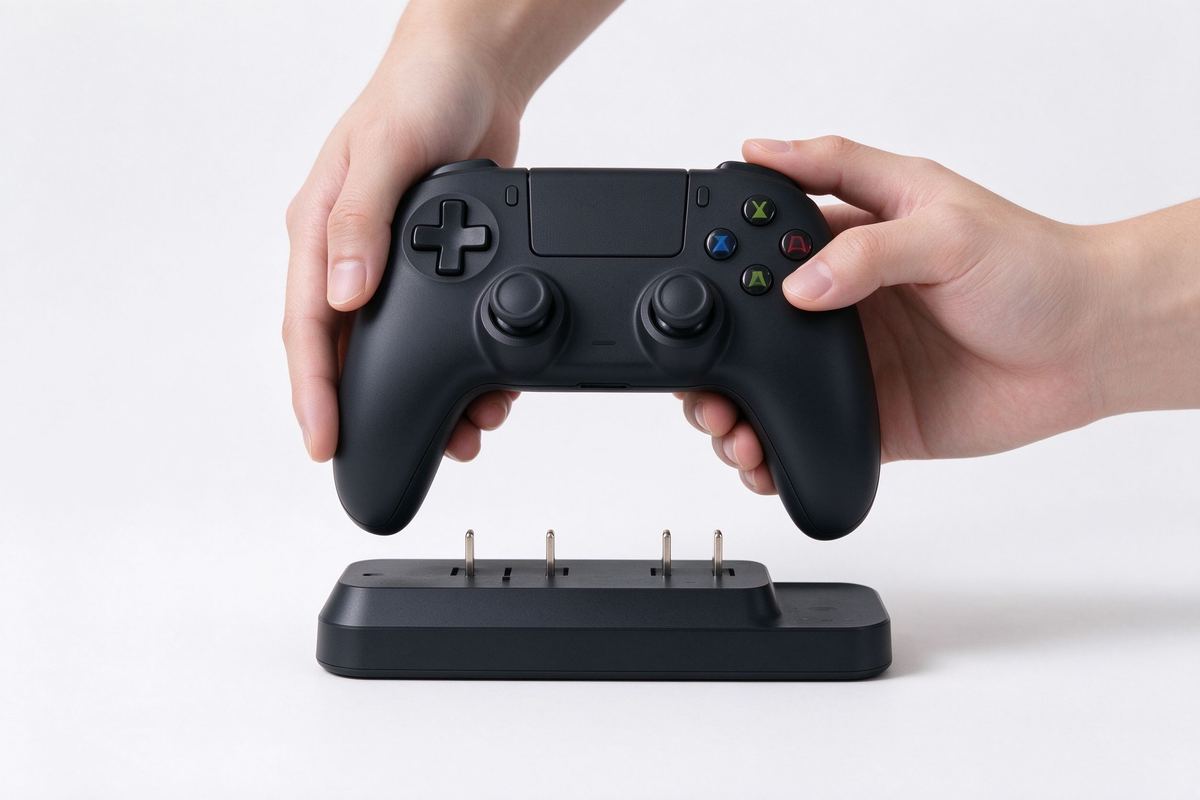
- ▪ Molded cradles hold the controller upright so it seats onto the pins every time.
Set up in under a minute
No driver or app required. Connect the USB cable, insert a battery pack, and slot the controller onto the dock.
Plug the included USB cable into a console USB port, TV port, or 5V wall adapter.
Open the controller battery door, place one rechargeable pack inside, and close it.
Lower the controller into a cradle so the contacts meet; the LED lights to show charging.
When a pack is full, use the controller; keep the spare pack charging while you play.
What you get, in plain numbers
General dimensions for a dual charging dock; compare your controller battery compartment before ordering.
| Specification | Value |
|---|---|
| Product | Dual Controller Charging Dock with 2 Rechargeable Battery Packs |
| Material | Matte ABS plastic, gold-plated contacts |
| Color | Black |
| Power input | USB 5V via included cable |
| Fit | Most standard modern wireless controllers with a removable battery pack; verify pack size |
| Includes | 1 dual dock, 2 rechargeable battery packs, 1 USB cable, quick guide |
| Warranty | 30-day replacement on defects |
Note: Battery pack size and contact layout differ across controller models. Compare your existing battery compartment and the pack shown in the photos before ordering; this is a generic compatible accessory, not an original-equipment part, and the controllers themselves are not included.
Three ways to power your controllers
Same dead-battery problem, three choices. Here is how they line up.
| At a glance | This product | Alternative |
|---|---|---|
| Cost | Low: reusable packs and one dock | Ongoing: buying disposable AA packs |
| Ready state | LED shows charge at a glance | Unknown until the controller dies |
| Setup | Slot and charge, no app | Swap cells each time power runs out |
No surprises in the pack
You receive the dock, two packs, and a cable; controllers are not included.
| Specification | Value |
|---|---|
| Product | Dual Controller Charging Dock Kit |
| Includes | 1 dual dock, 2 rechargeable battery packs, 1 USB cable, quick guide |
| Material | ABS plastic, gold-plated contacts |
| Color | Black |
| Power | USB 5V |
| Fit | Standard wireless controllers; verify battery pack size |
| Warranty | 30-day defect replacement |
A dual charging dock with two rechargeable battery packs and a USB cable, ready to charge two controllers.
Controllers and the console are not included; confirm the battery compartment and pack size against your controller before ordering.
Keep the contacts clean and reliable
A few habits keep the dock charging cleanly for years.
- ▪ Wipe the contacts now and then.
- ▪ A dry cloth removes dust that can weaken the charge connection.
- ▪ Charge in a cool spot.
- ▪ Keep the dock away from direct heat or enclosed cabinets that trap warmth.
- ▪ Do not force a controller in.
- ▪ Seat it gently; forcing can bend the contact pins.
- ▪ Store packs half-charged.
- ▪ If a pack sits unused for months, top it up before long storage.
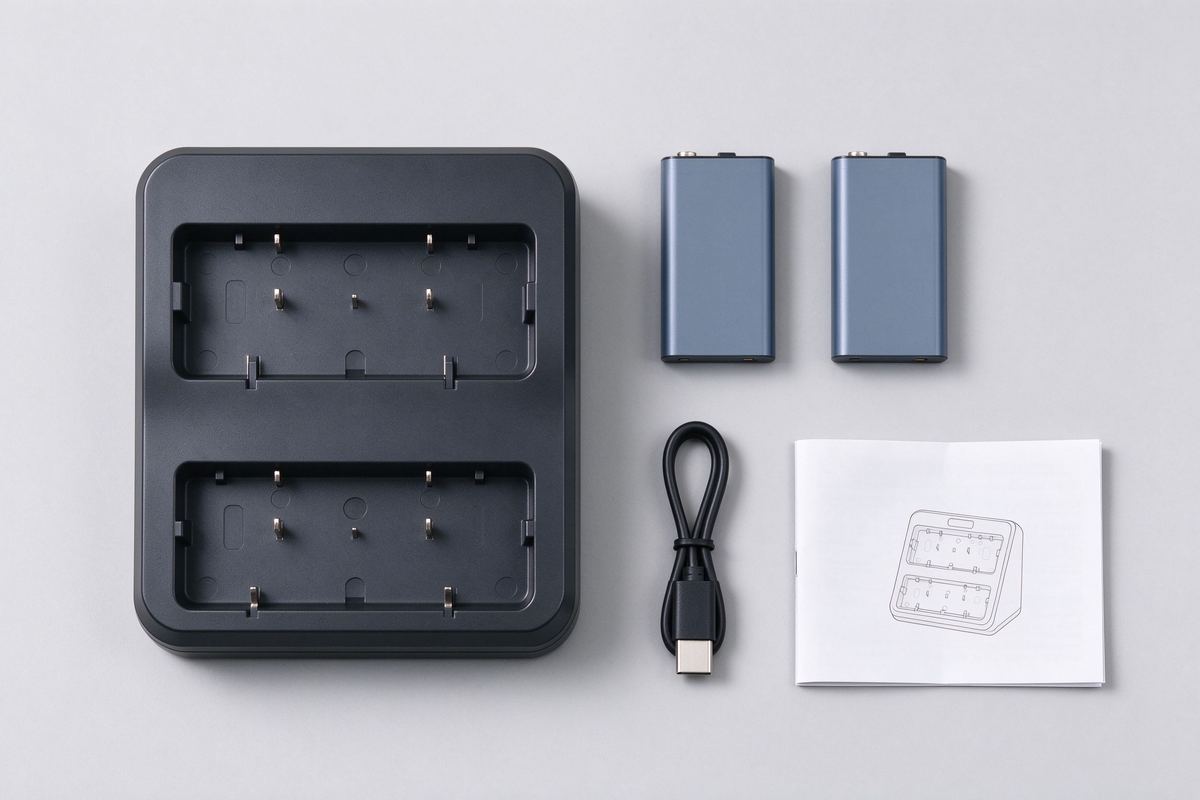
It suits most standard modern wireless controllers that use a removable battery pack, but pack size and contact layout differ. Compare your battery compartment and the photos before ordering.
No. You receive the dock, two rechargeable packs, and a USB cable; controllers and the console are sold separately.
It runs over USB 5V from a console USB port, a TV USB port, or a common 5V wall adapter; a wall adapter is not included.
Yes, the dual dock charges both slots in parallel using the two included packs.
No. There is no software; connect USB, insert a pack, and slot the controller onto the dock.
- ▪ Dual dock charges two controllers at once with two reusable battery packs.
- ▪ LED shows charge state; USB powered from console, TV, or adapter.
- ▪ Replaces disposable AA batteries with no app or driver.
- ▪ Controllers and console not included; verify pack size before ordering.
Slot controllers onto the dock and skip the AA hunt. Check your battery pack size and order your charging station.




Reviews
There are no reviews yet.